
About Tuck
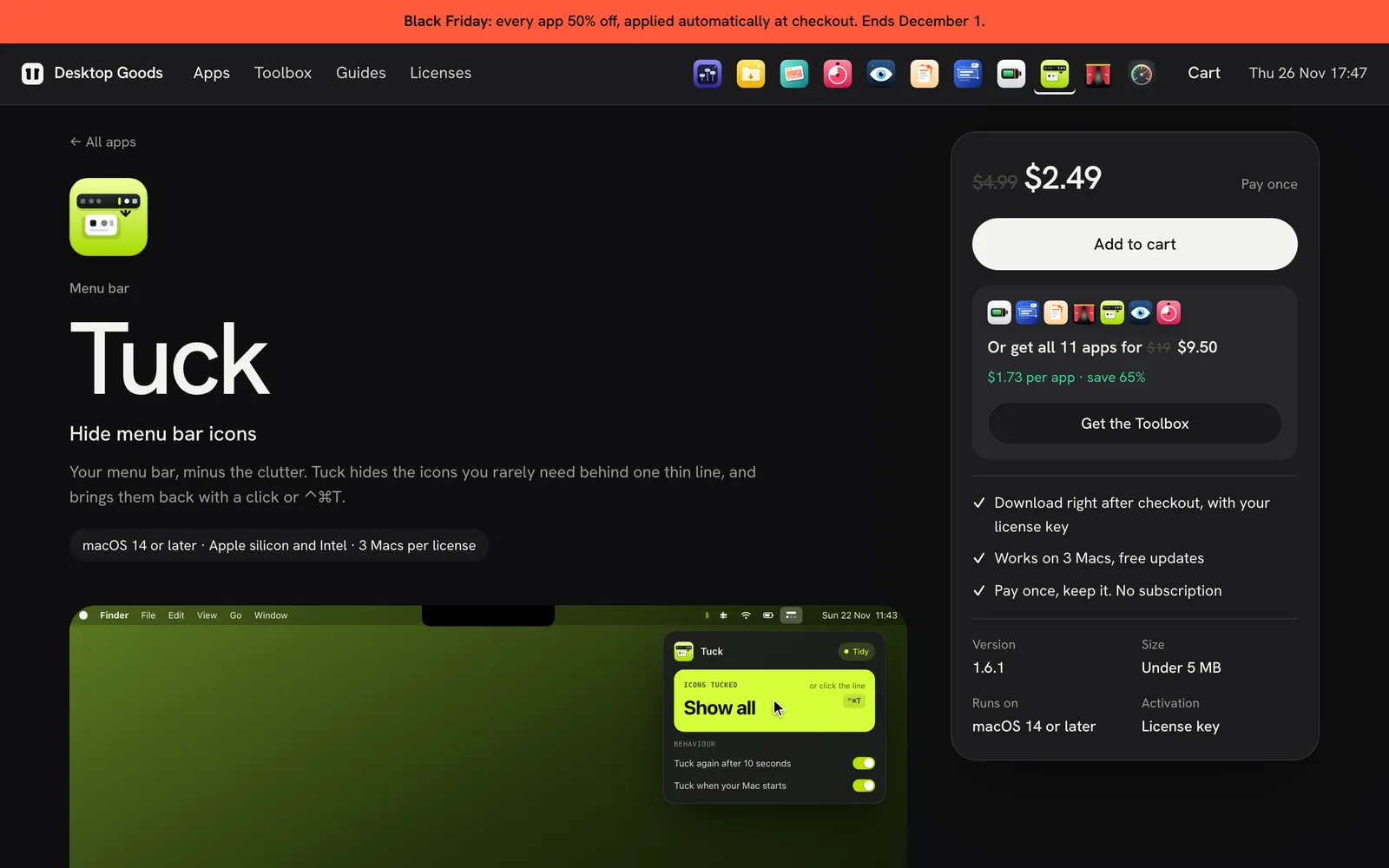
Tuck is a native macOS app that adds a slim divider to the menu bar. Icons dragged to the left of the line are hidden and can be shown temporarily by clicking the line or pressing ⌃⌘T. The hidden icons automatically re‑tuck after a configurable interval. The app requires no Accessibility or Screen Recording permissions and works on macOS 14 Sonoma or later. It stores the icon layout and restores it across restarts, and is signed and notarized by Apple.
Key features
- Adds a thin divider line to the menu bar
- Drag icons left of the line to hide them
- Click the line or press ⌃⌘T to reveal icons
- Auto‑hide after 5‑60 seconds
- No permissions required
- Remembers layout across restarts
Show your app to people looking at Tuck and every other Menu Bar app. 2 slots a week, from €19.
Appear on this pageMore like Tuck
Other Menu Bar apps people look at.

AirCalendar
Menu‑bar calendar with lunar dates, reminders sync and optional weather widgets
Menu Bar · Free, with paid features
New


Pssst | Your Grok Bot wants something.
A tiny macOS notch app that shows which Grok Bot agents need you
Menu Bar · $7

DuoBar
Combines battery, Wi‑Fi and memory into a single menu‑bar icon on macOS
Menu Bar · Free, with paid features

Gardner
A menu‑bar app that tidies downloads, unused apps, caches and quiets other apps with on‑device AI
Menu Bar · $9
Tuck: common questions
Something else? Ask us.
Is Tuck free?
Tuck is a paid app ($4.99).
What devices does Tuck run on?
Tuck is a native app for macOS.
Who makes Tuck?
Tuck is made by Ceo.
What are the best alternatives to Tuck?
Popular menu bar alternatives to Tuck on NativeShelf include AirCalendar, Brimlight, Awake, Pssst | Your Grok Bot wants something., DuoBar.
Is Tuck a native app?
Yes. NativeShelf only lists native apps for Apple platforms, and every listing is checked by a person. Web apps and SaaS aren't included.
Is this your app? Add the badge or claim this listing. Machine-readable version: tuck.md