
About TocaPad
Your hand is already on the trackpad. Why go find the keyboard to turn the volume down?
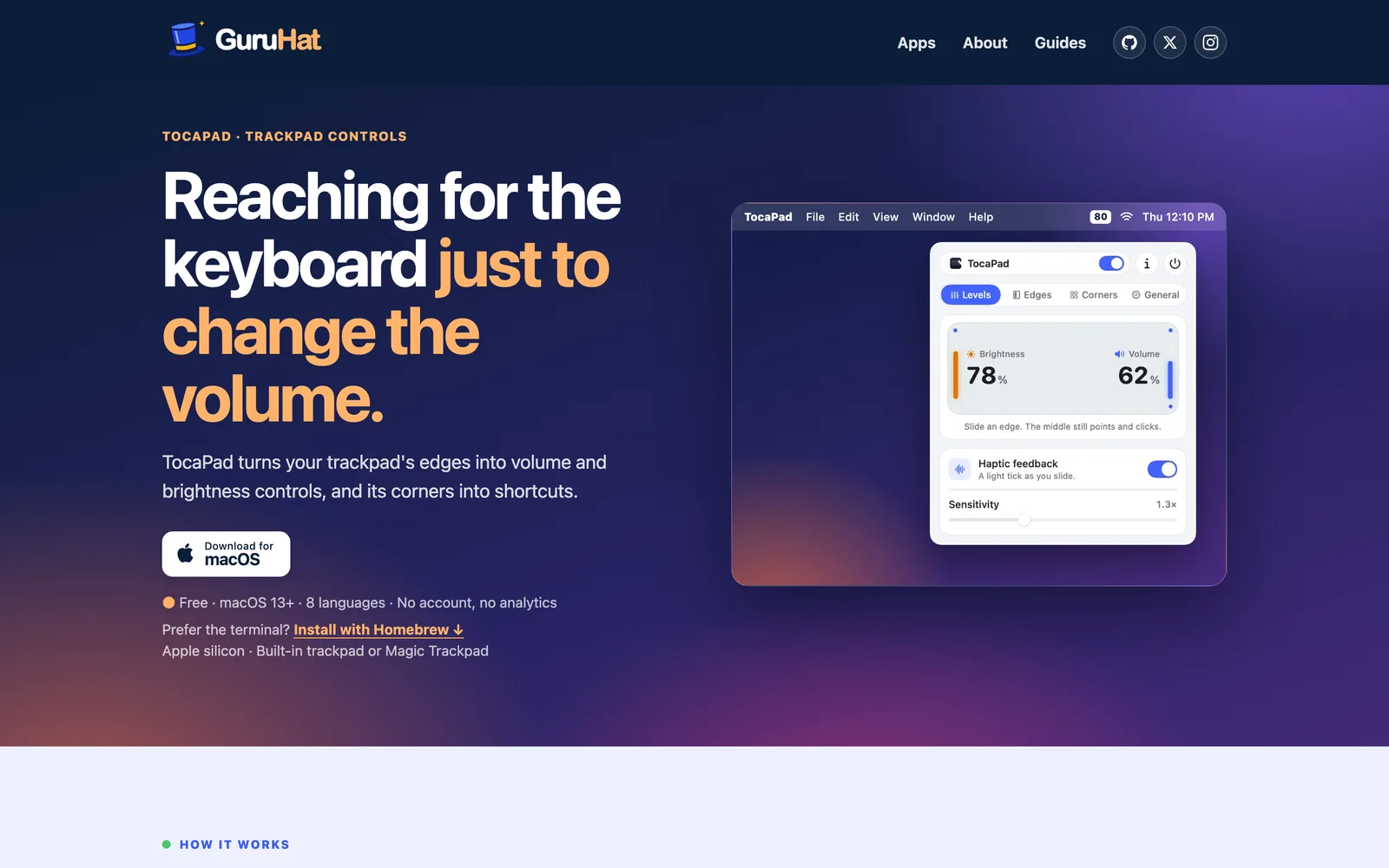
With TocaPad, slide one finger up or down the right edge for volume, or the left edge for brightness. A level appears on screen, the pointer stays exactly where it was, and on Force Touch trackpads you feel a small tick at every step. It’s the fastest way to dim the screen in a dark room or quiet a video call that started too loud, and you never have to look down.
Double-tap a corner for play/pause, skip, lock your Mac, Mission Control, a screenshot, or any shortcut you record. Every corner starts empty, so it does only what you set up.
It stays out of the way. Palms are ignored while you type, and a second finger cancels the slide, so scrolling, pinching and swiping work as usual. Free and open source, with no account and no analytics. Needs macOS 13+ on Apple silicon, with the built-in trackpad or a Magic Trackpad. Brightness works on the built-in display and Apple displays.
Key features
- Edge-based volume and brightness control
- Haptic feedback on Force Touch trackpads
- Customizable corner tap shortcuts
- Cursor freeze during edge gestures
- Palm rejection while typing
- Open-source and no account required
Show your app to people looking at TocaPad and every other Utilities app. 2 slots a week, from €19.
Appear on this pageMore like TocaPad
Other Utilities apps people look at.

Strum
Trackpad gestures for windows, volume, tabs and more
Utilities · $10 first 100 copies, then $15
New


闪电右键 QuickRight
Enhances Finder right‑click menu with new file creation, terminal launch, and path copying.
Utilities · Free
TocaPad: common questions
Something else? Ask us.
Is TocaPad free?
Yes, TocaPad is free.
What devices does TocaPad run on?
TocaPad is a native app for macOS.
Who makes TocaPad?
TocaPad is made by Andre Grande.
What are the best alternatives to TocaPad?
Popular utilities alternatives to TocaPad on NativeShelf include Strum, Multimeter, Shake It On, MacOSCleaner, TypeCorrect.
Is TocaPad a native app?
Yes. NativeShelf only lists native apps for Apple platforms, and every listing is checked by a person. Web apps and SaaS aren't included.
Is this your app? Add the badge or claim this listing. Machine-readable version: tocapad.md