
About PresentSync: Slide Remote
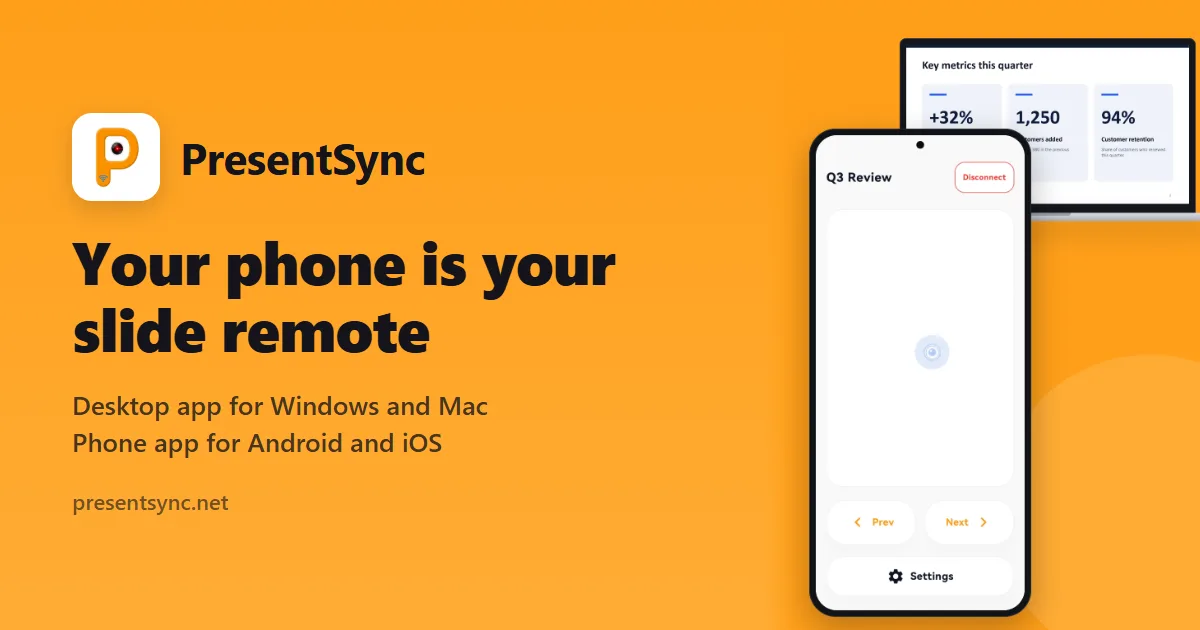
PresentSync turns an iPhone or iPad (or an Android phone) into a slide remote and an on-screen pointer. Install the desktop app on the Mac (macOS 13 or later) or Windows PC that runs the presentation, keep the phone on the same local network, and scan the code to connect.
Tap previous or next to change slides in PowerPoint, Keynote, Google Slides or a full-screen PDF. Swipe to move a pointer on the computer's screen, double-tap for a ripple, or press and hold to draw a line that fades after a few seconds. Other people can sign in to the app, scan the meeting QR code and point too, each with their own cursor colour.
The phone does not show speaker notes. Hosting needs an account; the free plan includes 30 minutes of hosting a day, and paid plans are available in the app.
Key features
- QR code sign‑in between phone and desktop
- Remote slide navigation and cursor control
- Laser pointer and drawing annotations from phone
- Supports Apple Silicon and Intel Macs
- Available on iPhone and iPad via App Store
- Notarized macOS installer
Show your app to people looking at PresentSync: Slide Remote and every other Productivity app. 2 slots a week, from €19.
Appear on this pageMore like PresentSync: Slide Remote
Other Productivity apps people look at.


Basil
Private meeting transcription and AI summaries on your Apple device.
Productivity · Free, with paid features
New

Clarity
Mac poker hand tracker. Import Hold'em and 4-card Omaha from PokerStars and GGPoker. AI study finds costly spots.
Productivity · $129.99
New

RSVP Speed Reader
Read PDFs, EPUBs, DOCX and TXT one word at a time, up to 1000 wpm
Productivity · Free, with paid features
New


PresentSync: Slide Remote: common questions
Something else? Ask us.
Is PresentSync: Slide Remote free?
PresentSync: Slide Remote is free to download, with optional paid features or in-app purchases.
What devices does PresentSync: Slide Remote run on?
PresentSync: Slide Remote is a native app for macOS, iOS, iPadOS.
Who makes PresentSync: Slide Remote?
PresentSync: Slide Remote is made by Pp3x325.
What are the best alternatives to PresentSync: Slide Remote?
Popular productivity alternatives to PresentSync: Slide Remote on NativeShelf include Cutling, Basil, Clarity, RSVP Speed Reader, RightShot.
Is PresentSync: Slide Remote a native app?
Yes. NativeShelf only lists native apps for Apple platforms, and every listing is checked by a person. Web apps and SaaS aren't included.
Is this your app? Add the badge or claim this listing. Machine-readable version: presentsync-slide-remote.md