
About MightyBench
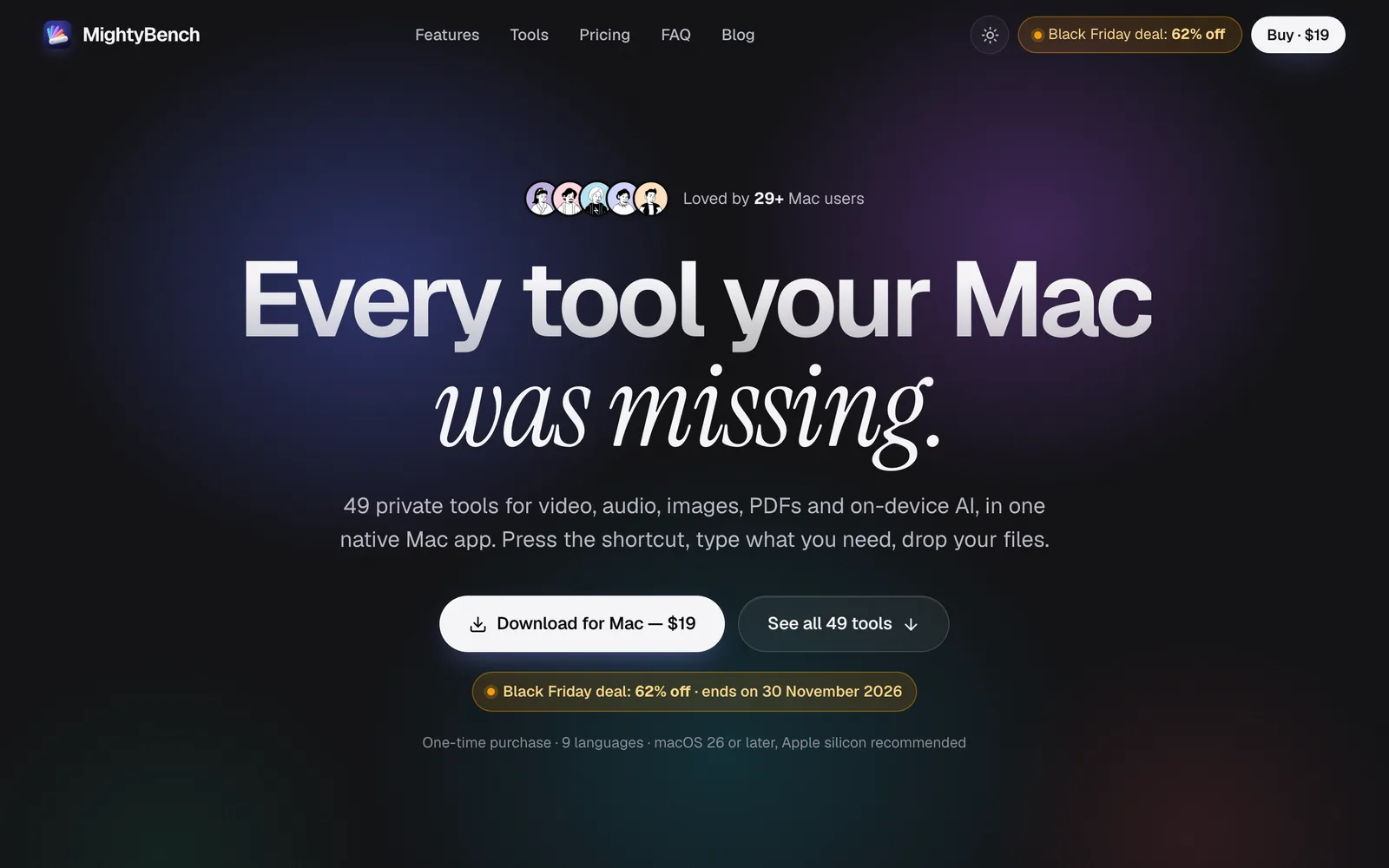
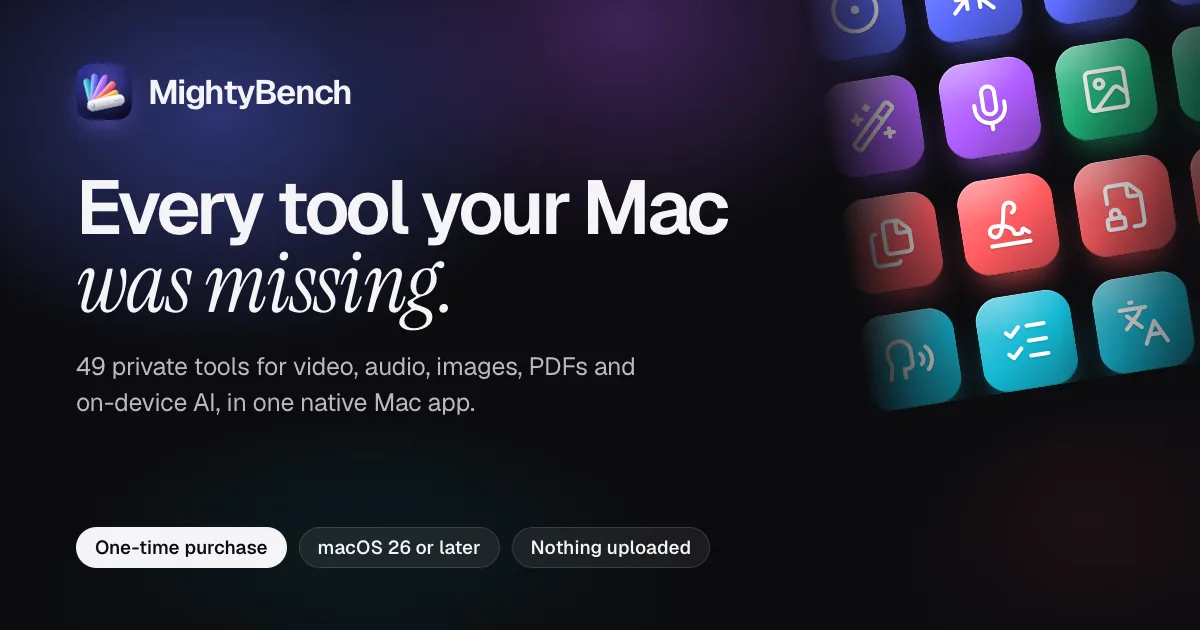
MightyBench is a native Mac app that bundles 49 private tools for video, audio, images, PDFs and on-device AI. Everything runs locally on your Mac, so your files are never uploaded.
It has a keyboard-first launcher and one focused window per job. It requires macOS 26 or later. It is a one-time purchase of $19, with no subscription.
Tools include video trimming, resizing, conversion and subtitles; audio trimming, clean-up and text-to-speech; image compression, background removal and upscaling; PDF merge, split, compress, sign and encrypt; and on-device OCR, transcription, summarising, translation and file search.
Key features
- Video editing suite with trim, resize, convert and subtitle tools
- Audio utilities including trim, noise removal and format conversion
- Image tools for compression, background removal and AI upscaling
- Full PDF toolbox: merge, split, compress, sign and encrypt
- On‑device AI features: OCR, transcription, summarise, translate, file search
- Keyboard‑first launcher and native macOS window design
Show your app to people looking at MightyBench and every other Utilities app. 2 slots a week, from €19.
Appear on this pageMore like MightyBench
Other Utilities apps people look at.


AirBear
Free offline ADS‑B and APRS tracking for Mac, iPhone, iPad, and Vision Pro
Utilities · Free
New

Kura
See and clear System Data on your Mac with detailed listings and safe cleanup
Utilities · Free, with paid features
New

Fontie
Aesthetic keyboard and text studio that works locally without Full Access
Utilities · Free, with paid features
New

MightyBench: common questions
Something else? Ask us.
Is MightyBench free?
MightyBench is a paid app ($19).
What devices does MightyBench run on?
MightyBench is a native app for macOS.
Who makes MightyBench?
MightyBench is made by Support.
What are the best alternatives to MightyBench?
Popular utilities alternatives to MightyBench on NativeShelf include SafeNTFS, Lasso, AirBear, Kura, Fontie.
Is MightyBench a native app?
Yes. NativeShelf only lists native apps for Apple platforms, and every listing is checked by a person. Web apps and SaaS aren't included.
Is this your app? Add the badge or claim this listing. Machine-readable version: mightybench.md